
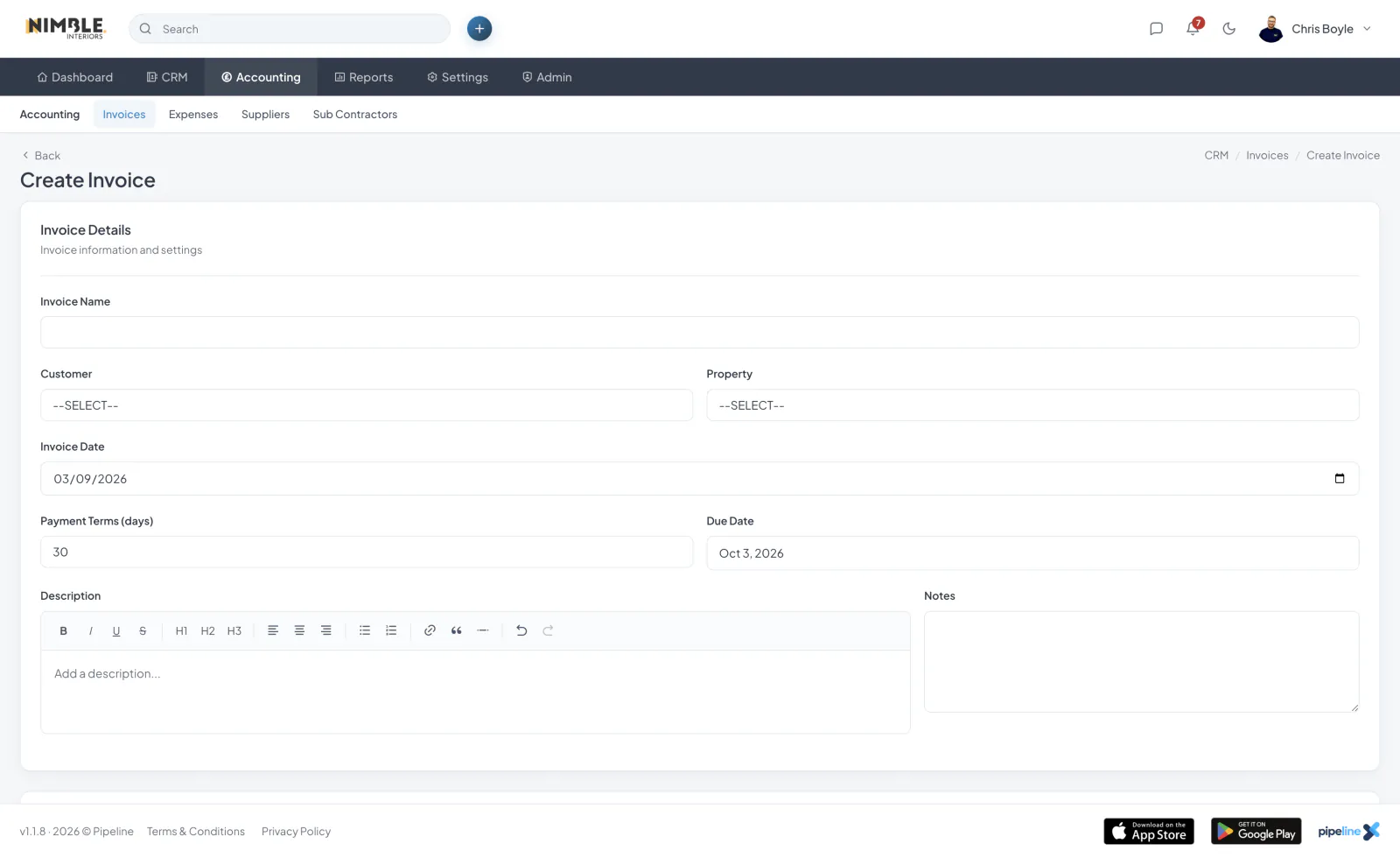
Creating an Invoice
Create an invoice from the Accounting section, or generate one directly from a quote or a job. Creating from a quote or job carries across the customer and line items so you do not have to re-enter them.
Customer and Property
Select the customer and an optional property using type-to-search, and create a new customer or property from the invoice form if needed.
Numbering and References
Each invoice is given a number and reference automatically.
Due Dates and Payment Terms
Set a due date and payment terms so the customer knows when payment is expected.
VAT, Discounts and Notes
Apply VAT and discounts, add credits, and include invoice notes and terms. Totals recalculate automatically as you edit.