01
Roles that fit your team
Start with Tenant Admin, Manager, Member and Viewer, then create custom roles and set granular permissions per resource - users, quotes, invoices, settings and more.
Invite your team, assign roles and control exactly what each person can see and do. Custom roles, read-only access and a full audit trail keep your business secure as it grows.
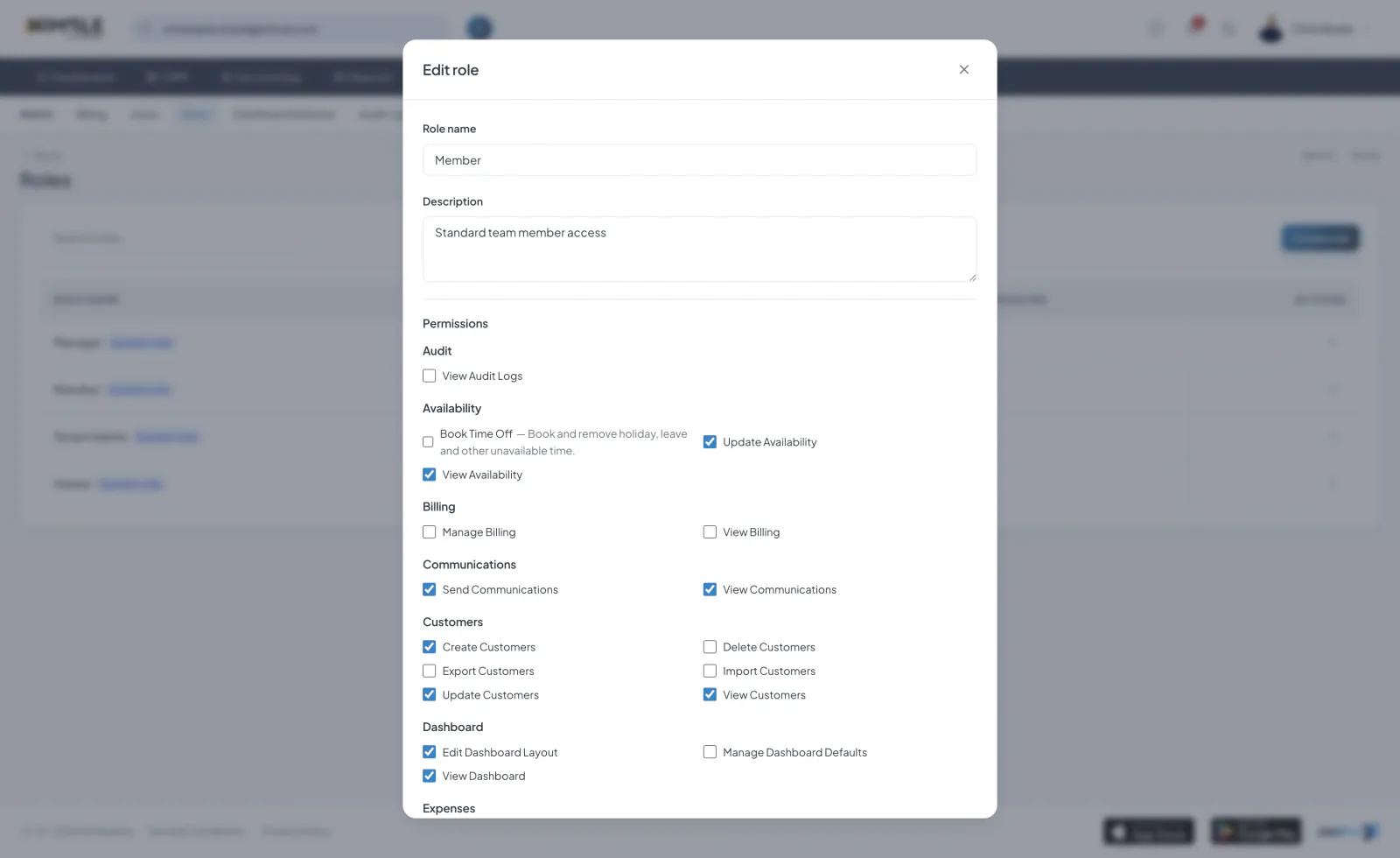
Start with Tenant Admin, Manager, Member and Viewer, then create custom roles and set granular permissions per resource - users, quotes, invoices, settings and more.
Permissions are checked on both the API and the interface. People only see the pages and buttons they are allowed to use, with read-only modes for view-only access.
Invite teammates by email, resend invitations, manage user status and see each person’s activity history from their profile.
A global audit log and record-level activity timelines capture every important action - who did what, and when - so nothing is ever a mystery.
Start a 7-day free trial. Cancel anytime.
Join the Pipeline mailing list and we’ll send you a discount code for 50% off your first three months.
That’s three months of fewer spreadsheets, fewer missed leads and considerably less shouting, “Who booked that job?”
We’ll also send occasional Pipeline news and useful updates. No spam, no daily motivational quotes. Unsubscribe whenever you like.
Offer available to new Pipeline customers only.