
01
Snap, scan or upload
Take a photo on site or upload a scan or PDF in the office, and the AI receipt scanner does the rest. The upload area shows whether Smart Credits are available before any reading begins.
Pipeline’s AI receipt scanner reads the supplier, date, total, VAT and payment method from any receipt photo, scan or PDF. The expense form is pre-filled for review, so you check it, allocate it to a job and save.
Coming soon: Smart Credits and Smart Features are currently in beta testing and are not yet available to buy. Everything described here reflects how they will work at launch.
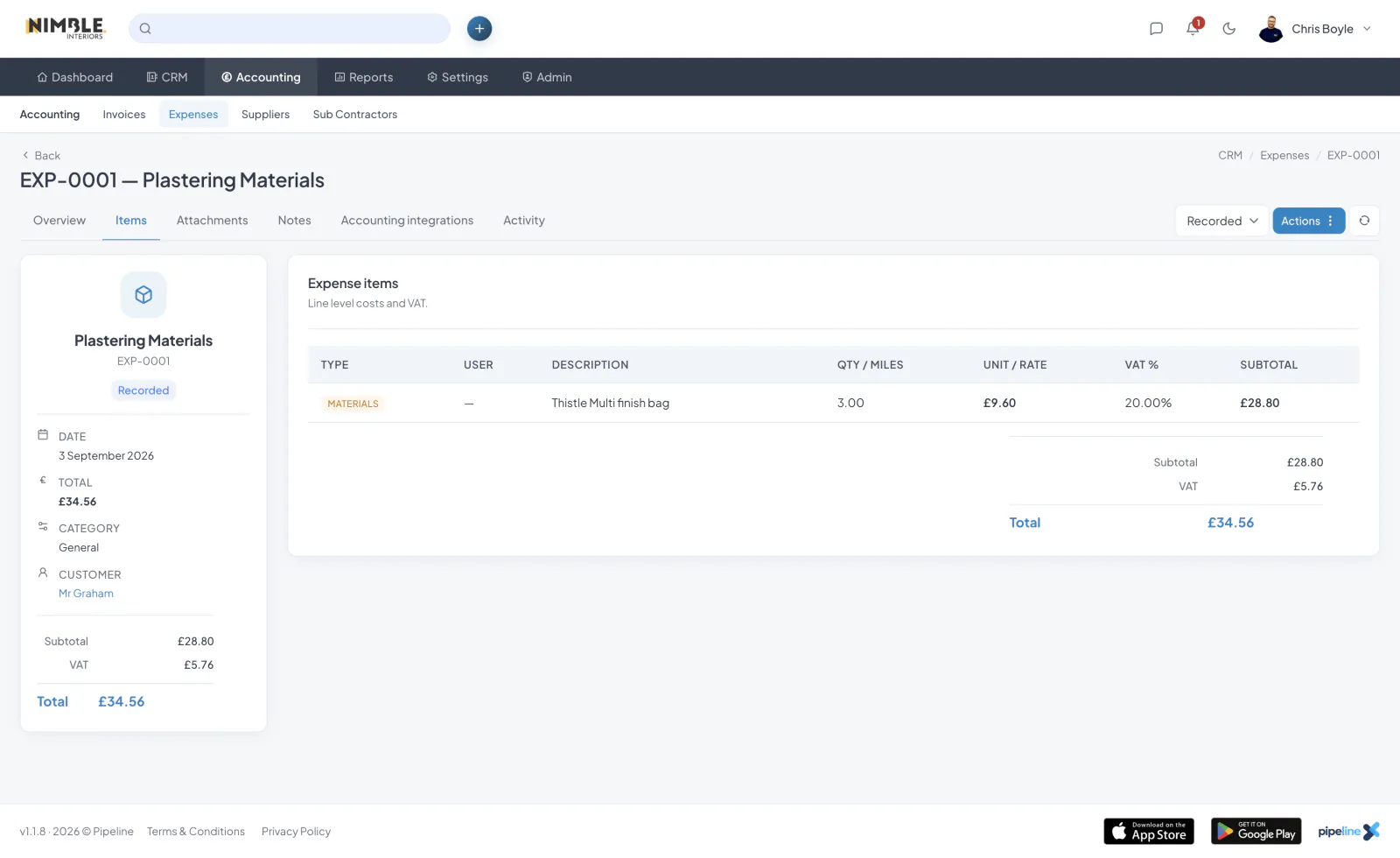
Take a photo on site or upload a scan or PDF in the office, and the AI receipt scanner does the rest. The upload area shows whether Smart Credits are available before any reading begins.
Pipeline reads the supplier, date, total, VAT and payment method, then pre-fills the expense form. Nothing is recorded automatically; you review every field before saving.
Assign the expense to the relevant job as you save it, so job costs and profitability stay accurate without any retyping.
The original receipt file is attached to the expense, so you always have the evidence to hand for your accountant or HMRC.
Pipeline MCP turns Pipeline into AI CRM software that connects to ChatGPT, Claude and other compatible assistants, so you can ask questions, review your work and carry out everyday sales and operations tasks in plain English.

Stop losing work to missed emails and forgotten phone calls.

Pipeline’s quoting software builds professional quotes in minutes from a library of saved line items.
Start a 7-day free trial. Cancel anytime.
Join the Pipeline mailing list and we’ll send you a discount code for 50% off your first three months.
That’s three months of fewer spreadsheets, fewer missed leads and considerably less shouting, “Who booked that job?”
We’ll also send occasional Pipeline news and useful updates. No spam, no daily motivational quotes. Unsubscribe whenever you like.
Offer available to new Pipeline customers only.