01
Template library
Create branded, rich-HTML email templates once and reuse them across every automation - or send them manually when you need to.
Build branded email templates and let Pipeline send them automatically when a quote is sent, a job completes, an invoice falls overdue or a tag is added. Set it once and stop chasing.
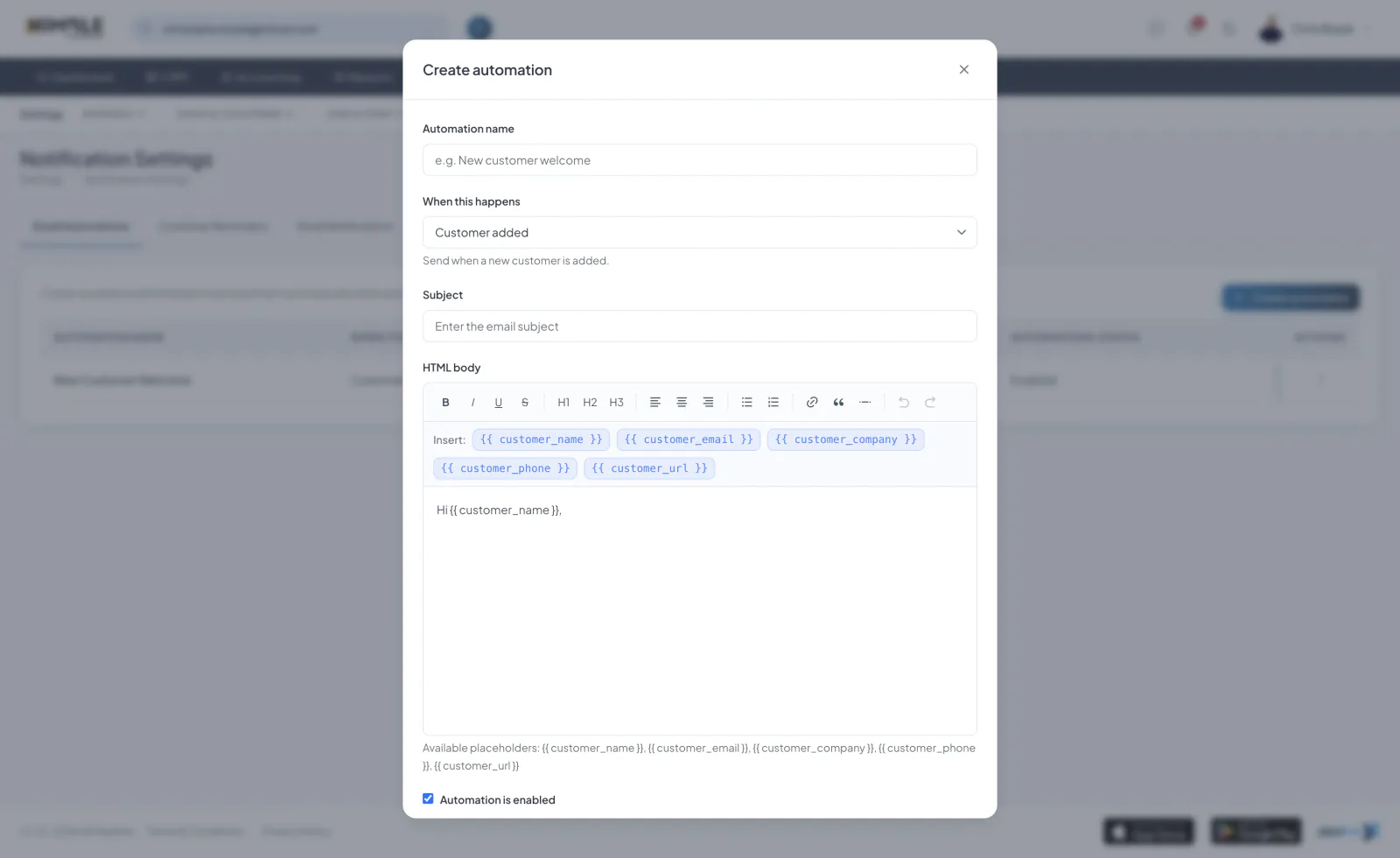
Create branded, rich-HTML email templates once and reuse them across every automation - or send them manually when you need to.
Fire emails automatically on the moments that matter: quote sent, quote accepted, job booked, job completed, invoice sent or invoice overdue.
Adding a tag to a customer, lead, quote, job or invoice can kick off its own email flow - perfect for onboarding, nurture and win-back sequences.
Preview and send test emails, add attachments, and switch any automation on or off. System templates keep the essentials covered out of the box.
Start a 7-day free trial. Cancel anytime.
Join the Pipeline mailing list and we’ll send you a discount code for 50% off your first three months.
That’s three months of fewer spreadsheets, fewer missed leads and considerably less shouting, “Who booked that job?”
We’ll also send occasional Pipeline news and useful updates. No spam, no daily motivational quotes. Unsubscribe whenever you like.
Offer available to new Pipeline customers only.