
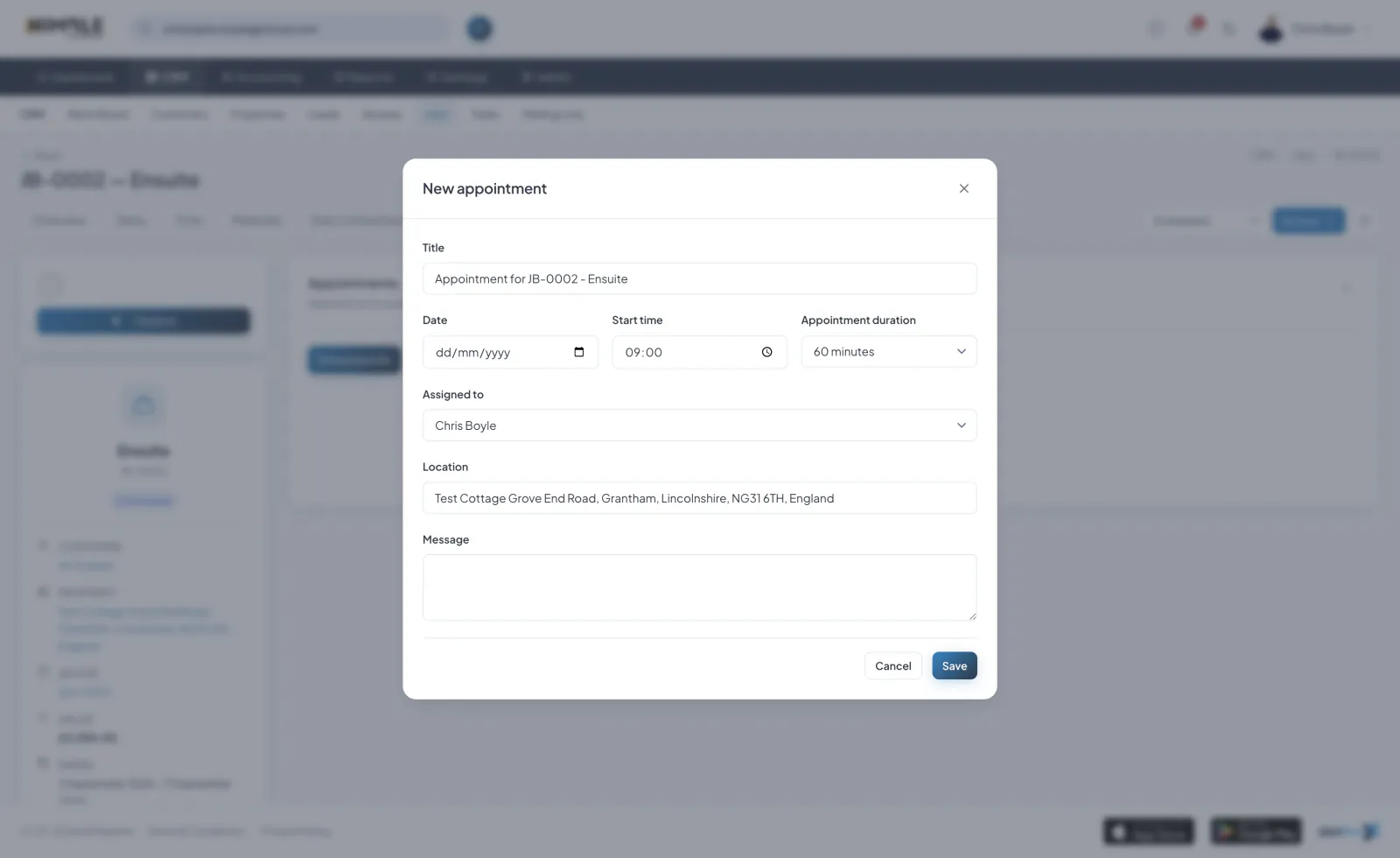
Creating an Appointment
Create an appointment against a customer, a lead or a job. Set the start and end times, add a location and notes, and assign a team member.
Statuses
Appointments have the statuses Scheduled, Completed, Cancelled and No-show. Scheduled and completed views help you focus on upcoming or past appointments.
Rescheduling and Cancelling
Edit an appointment to reschedule it, or cancel it if plans change. Changes are recorded in the appointment activity log.
Where Appointments Appear
Appointments appear on the related customer, lead or job, and on the Work Board, so the whole team can see what is booked.