
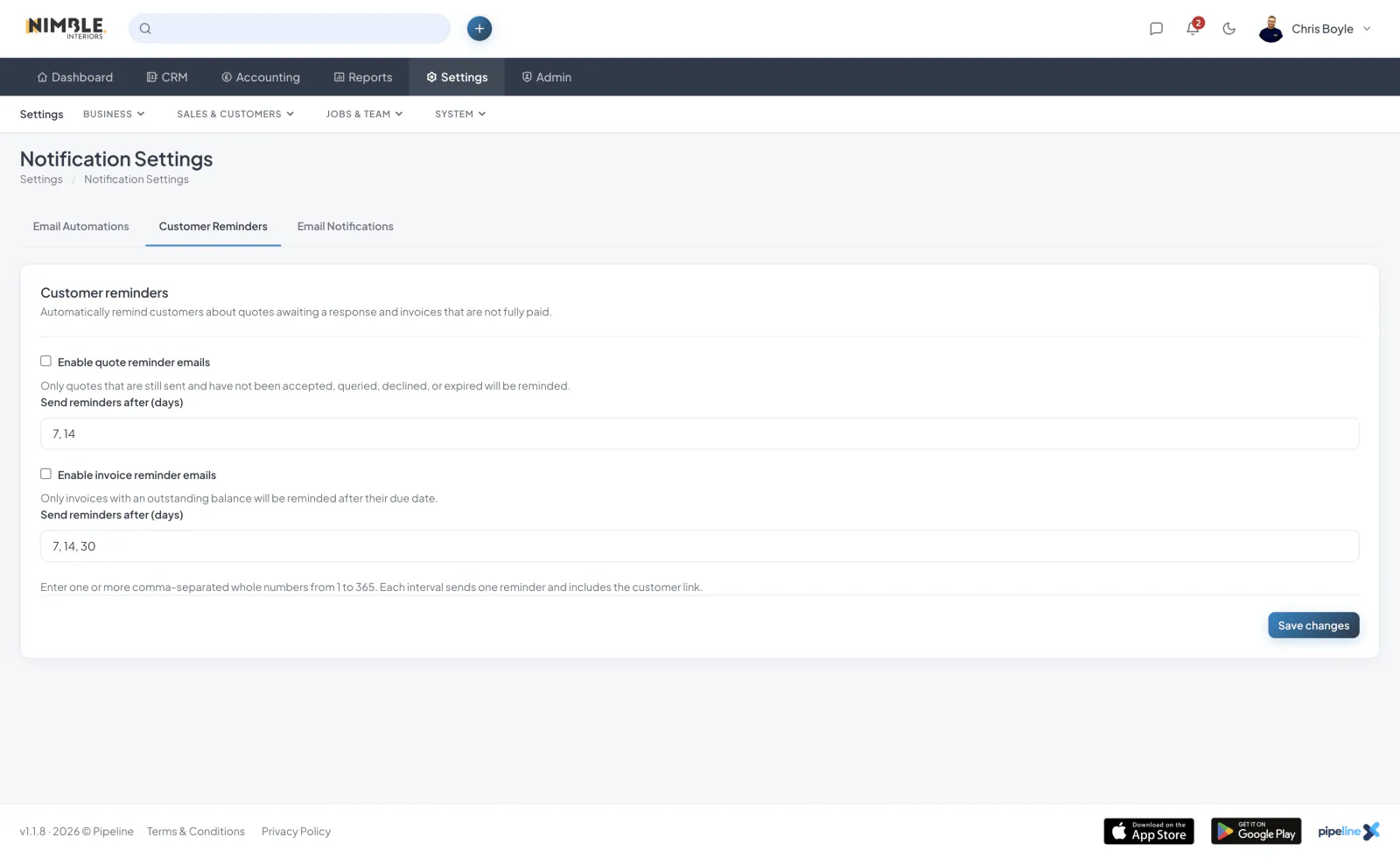
Notification Settings
Configure your email notification preferences and customer reminder settings so Pipeline keeps the right people informed.
Quote and Invoice Reminders
Set quote reminder schedules and invoice reminder schedules by number of days, so unaccepted quotes and unpaid invoices are chased automatically. Overdue invoices can also notify your team.
In-App, Browser and Push
Pipeline shows in-app notifications, and can use browser and push notifications so alerts reach you even when you are not looking at the app.
Managing Notifications
Mark notifications as read individually or all at once, and review your notification history from the bell menu.
Where Reminders Are Logged
Reminder messages appear in the communication log and reminder actions appear in the activity log, so there is always a record of what was sent.