
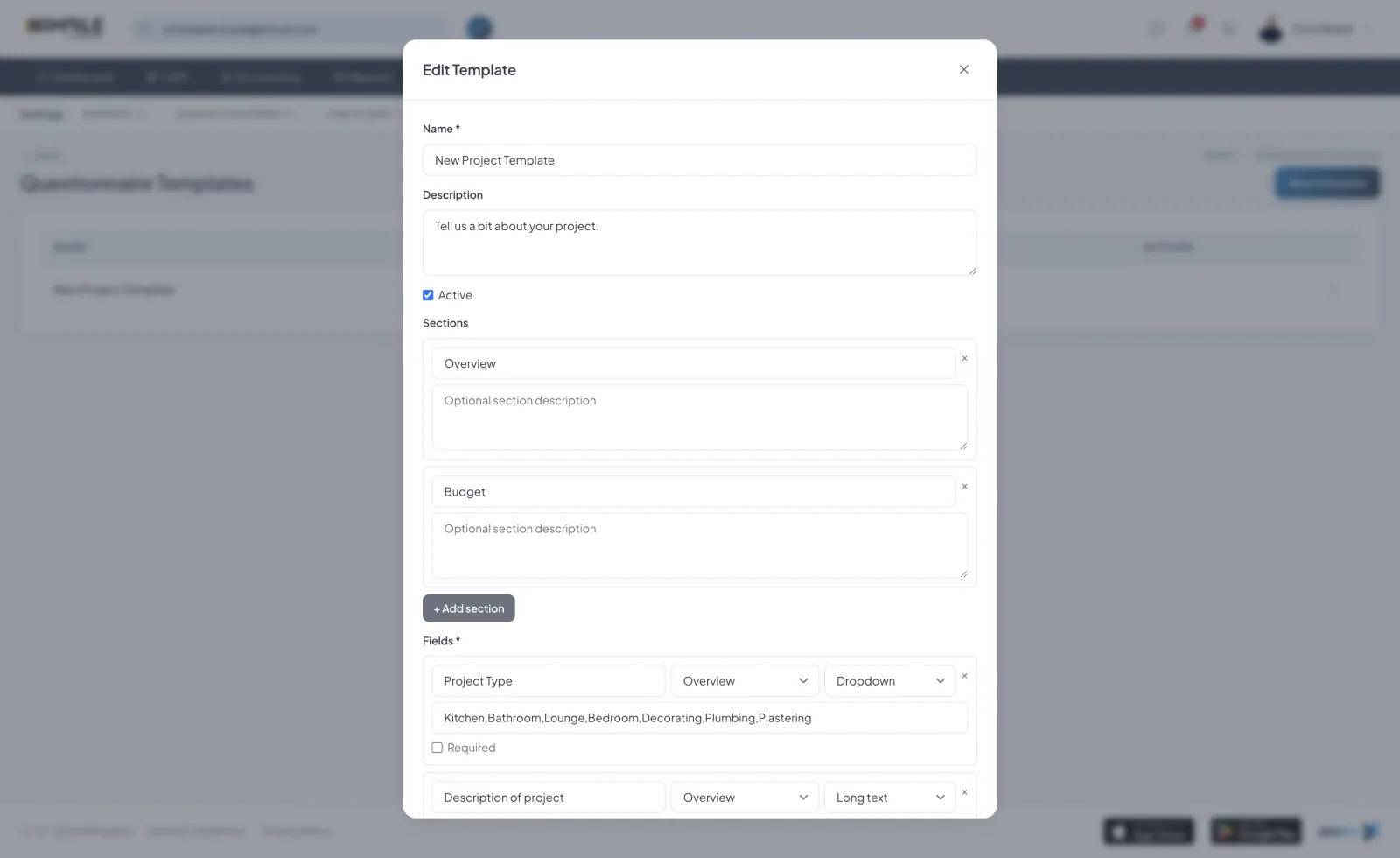
Creating a Template
Build a questionnaire template in Settings. Give it a title and add questions, then reuse it whenever you need to gather the same information.
Sections
Group questions into sections with titles and descriptions, so longer questionnaires are easy to work through.
Field Types
Choose from field types including short text, long text, dropdown, multi-select, photo or file upload, signature and address. Mark each question as required or optional.
Preview and Duplicate
Preview a template to see it as the customer will, and duplicate an existing template to create a variation quickly.