
Importing Customers
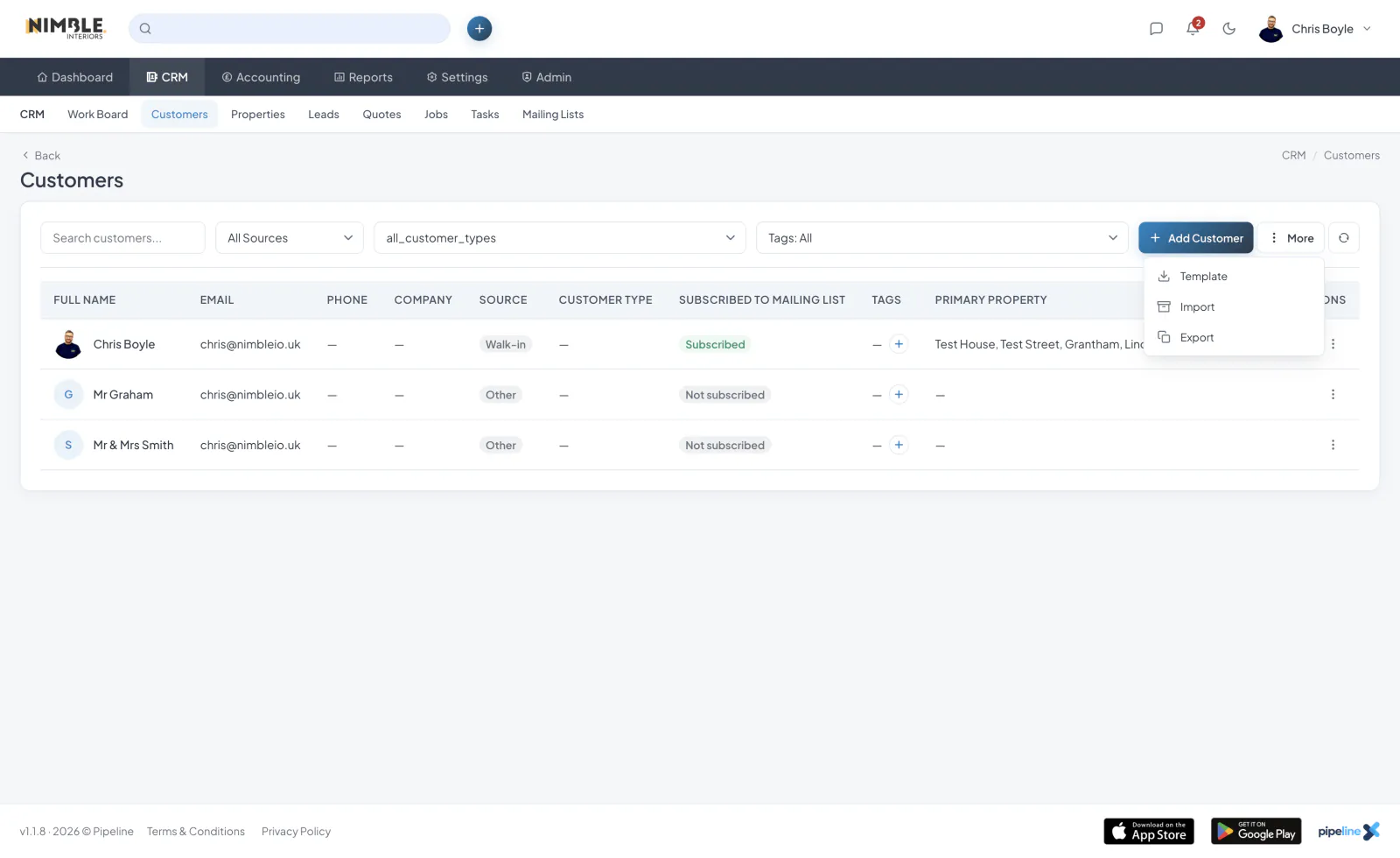
You can bulk import customers from a CSV file. Navigate to the Customers page and click the "Import" button.
CSV Format
Your CSV file should include a header row with the following column names:
- first_name
- last_name
- phone
- mobile
- company
- source
- notes
Import Process
- Click the "Import" button on the Customers page
- Select your CSV file
- The system will process the file and create customer records
- You will see a confirmation with the number of customers imported
Exporting Customers
To export your customer data, click the "Export" button on the Customers page.
Tips
- Make sure your CSV file is encoded in UTF-8
- Review your data before importing
- Only users with the correct permission can import or export customers