
Adding a Property
To add a property, navigate to the Properties page from the CRM section and click the "Add Property" button.
Property Details
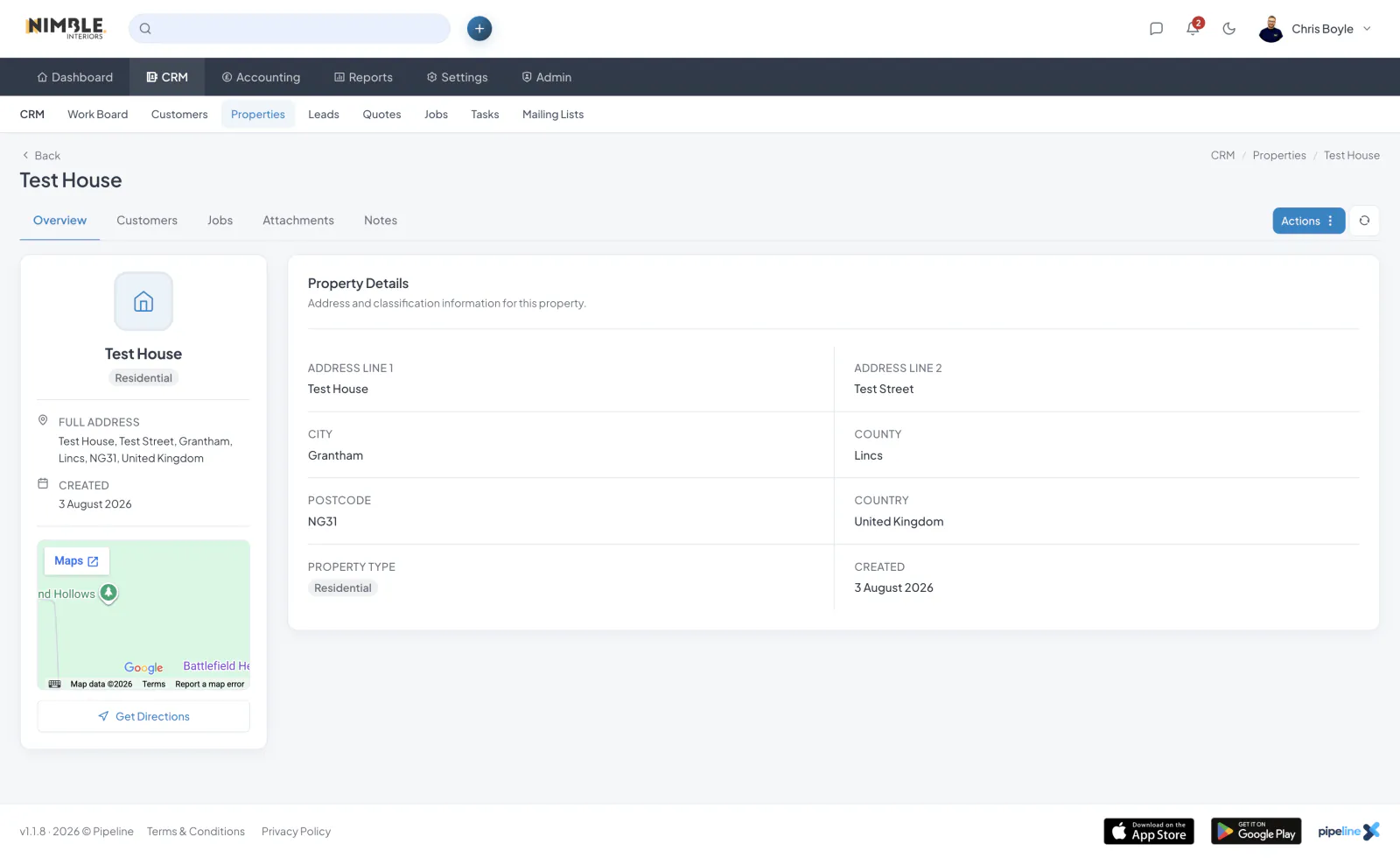
Each property requires:
- Address Line 1 - The main street address
- City - The city or town
- Postcode - The postal code
You can also add an optional second address line, county, country, property type and notes.
Property Types
Properties can be classified as residential, commercial, industrial, land or other.
Linking Properties to Customers
Properties can be linked to one or more customers. From a customer's detail page, go to the Properties tab and click "Link Property".
Viewing Linked Customers
From a property's detail page, you can see all customers linked to that property under the Customers tab.