
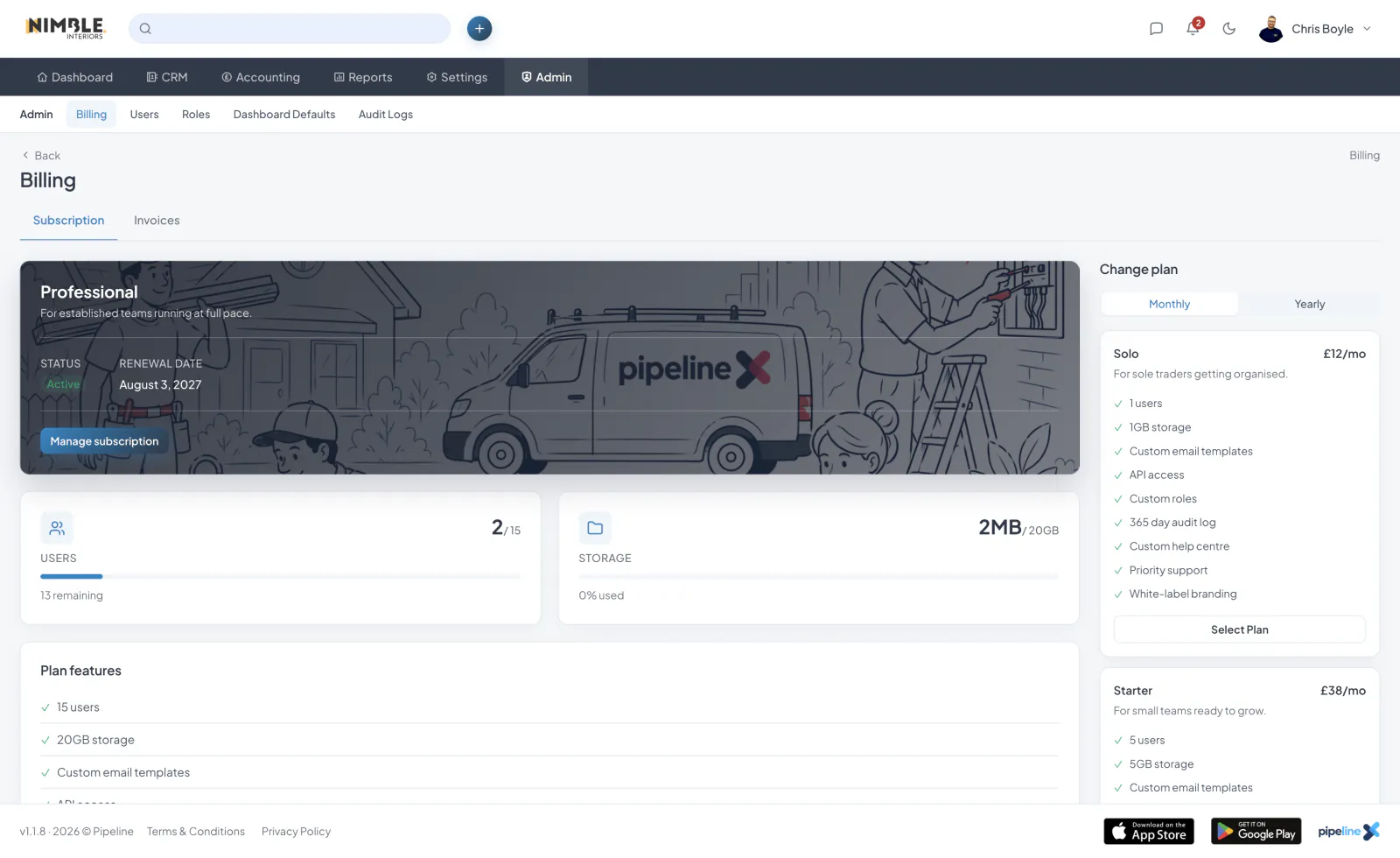
Viewing Your Current Plan
To view your current subscription details, navigate to the Billing section. Here you can see your active plan, billing cycle, next payment date and payment method on file.
Upgrading Your Plan
To upgrade, go to Billing and click "Change Plan". Select the plan you would like to move to and confirm the change.
Downgrading Your Plan
You can downgrade your plan at any time from the Billing page. When you downgrade, you will retain access to your current plan's features until the end of your billing cycle.
Cancelling Your Subscription
To cancel your subscription, go to Billing and click "Cancel Subscription". Your account will remain active until the end of your current billing period.
Payment Methods
You can add, update or remove payment methods from the Billing page. Payment processing is handled securely through Stripe.