
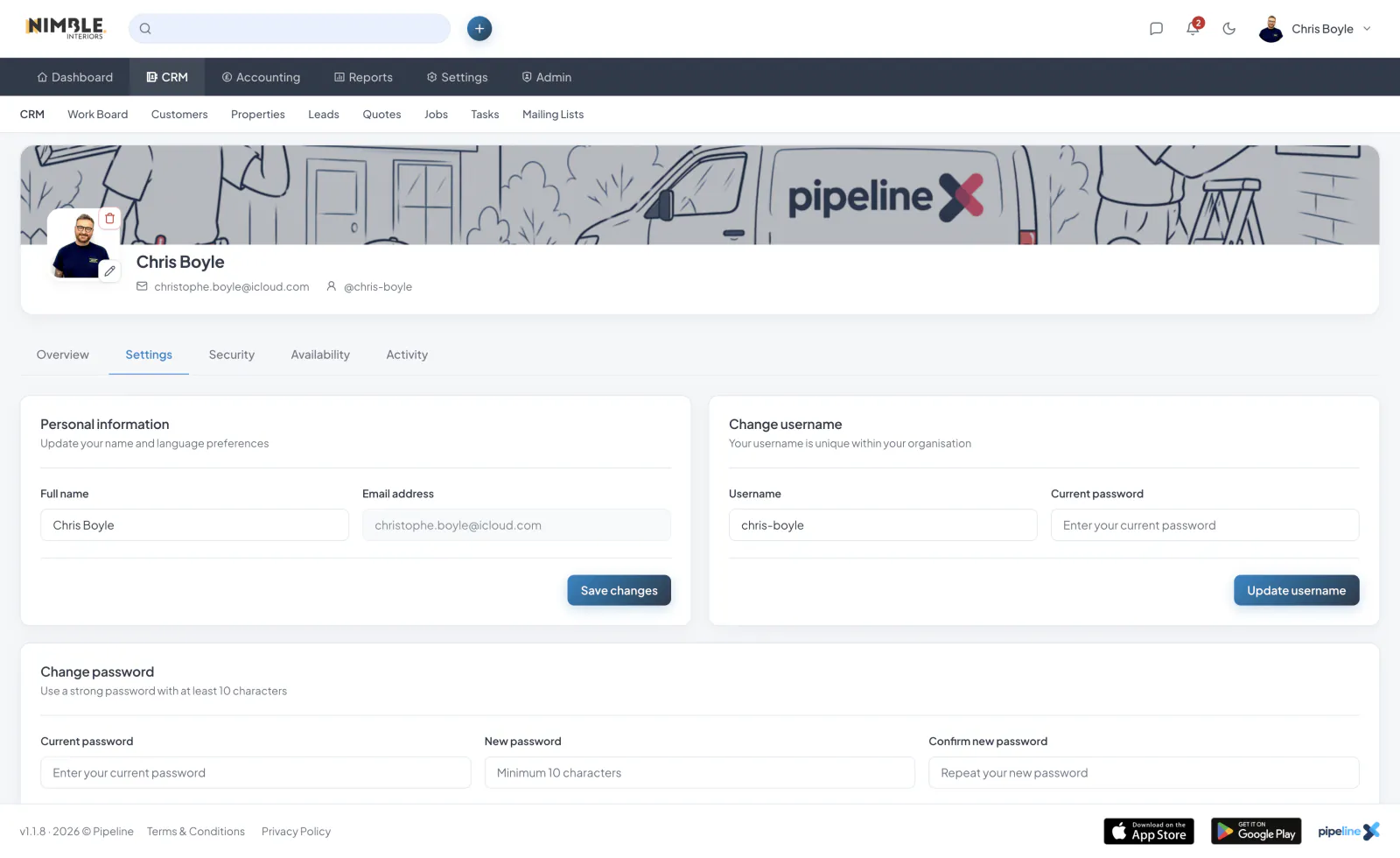
Accessing Your Profile
To update your profile, click on your avatar in the top-right corner of the screen and select "Profile" from the dropdown menu.
Personal Information
On the profile page, you can update the following information:
- Display Name - The name shown to other team members
- Username - Your unique identifier within the platform
- Email Address - Your primary contact email
- Avatar - Upload a profile picture in JPG or PNG format
Language Preferences
You can set your preferred language from the profile settings page. The interface will update to reflect your chosen language across all pages and email communications.
Saving Changes
After making your changes, click the "Save" button at the bottom of the form. You will see a confirmation message once your profile has been updated successfully.